Ollama+Deepseek+Chatbox+AnythingLLM

1. Download Ollama, install it.
2. >>ollama run deepseek-r1:1.5b or 7b, will download the model.
3. Download chatbox, install and configure it.
Can run ollama now.
>>ollama run deepseek-r1:1.5b
Set up a local web server on macOS 15 Sequoia

1. Configure Apache.
$sudo vi /etc/apache2/httpd.conf
1.1. PHP is NOT included in Sequoia. Apple even includes the following note at line 187 of this file:
#PHP was deprecated in macOS 11 and removed from macOS 12
1.2. Enable Perl
LoadModule perl_module libexec/apache2/mod_perl.so
1.3. Enable personal websites
LoadModule userdir_module libexec/apache2/mod_userdir.so
Include /private/etc/apache2/extra/httpd-userdir.conf

2. An important new ACL change that are required in Sequoia for personal websites.
$sudo vi /etc/apache2/extra/httpd-userdir.conf
Include /private/etc/apache2/users/*.conf

3. Create personal web sites
$mkdir ~/Sites
echo “My site works” > ~/Sites/index.html.en

4. Configure document root for Apache.
4.1. $sudo vi /etc/apache2/httpd.conf
DocumentRoot “/Users/your_user/Sites”
Directory “/Users/your_user/Sites”
In that same block you will find an AllowOverride setting.Change to
#
# AllowOverride controls what directives may be placed in .htaccess files.
# It can be “All”, “None”, or any combination of the keywords:
# AllowOverride FileInfo AuthConfig Limit
#
AllowOverride All
4.2. Enable mod_rewrite.
LoadModule rewrite_module lib/httpd/modules/mod_rewrite.so
4.3. User & Group
By default, apache runs as the user _www and group _www. This will cause permission problems when trying to access files in our home directory.
User your_user
Group staff
4.4. ServerName Configuraton:
Change
#ServerName www.example.com:8080
to
ServerName localhost

5. Create your_user.conf
Check if the /etc/apache2/users/your_user.conf exists.
$sudo vi /etc/apache2/users/your_user.conf

AddLanguage en .en
AddHandler perl-script .pl
PerlHandler ModPerl::Registry
Options Indexes MultiViews FollowSymLinks ExecCGI
AllowOverride All
Require host localhost

6. Give the Apache web server access to the Sites folder
$chmod +a “_www allow execute” ~
This will add an ACL permission to your home directory that will allow the Apache web server access to all subdirectories inside your home directory

7. Check your configuration
$apachectl configtest
If this command returns “Syntax OK” then you are ready to go. It may also print warnings saying “https: apr_sockaddr_info_get() failed for…” and/or “httpd: Could not reliably determine the server’s fully qualified domain name”. You could fix these by setting the ServerName directive in /etc/apache2/httpd.conf and adding a matching entry into /etc/hosts. But for a development server, you don’t need to do anything. You can just ignore those warnings.
If AH00558: Could not reliably determine the server’s fully qualified domain name.
$sudo vi /etc/apache2/httpd.conf
ServerName localhost:80

8. Turn on the Apache httpd service
$sudo launchctl load -w /System/Library/LaunchDaemons/org.apache.httpd.plist

9. Bump Apache to reload with the configuration changes you’ve just made.
$sudo apachectl graceful

10. Input in Safari
http://localhost/
It should say:
It works!

11. Try your user home directory
http://localhost/~your_user
It should say:
My site works

12. Test Perl, create a Perl test file.
$vi ~/Sites/info.pl
#!/usr/bin/perl
use CGI;
my $cgi = CGI->new;
print $cgi->header( -type => ‘text/plain’ );
print $ENV{SERVER_SOFTWARE};
Input in Safari
http://localhost/~your_user/info.pl
It should say:
Apache/2.4.62 (Unix) mod_perl/2.0.12 Perl/v5.34.1

Reference:
Setting up a local web server on macOS 15 “Sequoia”

macOS 15.0 Sequoia Apache Setup: Multiple PHP Versions

失去的第3年?

晚上去教堂听了会赞美诗,得到了一个苹果,挺甜的。

香港已经成为国际金融中心遗址,失去的第3年?
国际关系–订单会越来越少吗?
活越来越多.工资涨了一点.股票爆亏.
老板终于跟人家分了,明明去年6月一起去广岛出差的时候就说不想跟人家合,非得搞来搞去搞了一年多,大家跟着瞎忙活,还少赚了不少钱。
上周去日本出差不顺,吃烤肉吐了,兼感冒。好几年了,各司都无啥实质进展,明年会有进展吗?
月初来访的Volvo韩国妹子漂亮,行业难见美女,可能也整过?有空去韩国看看。
今年忘了爬泰山了,明年春季吧。

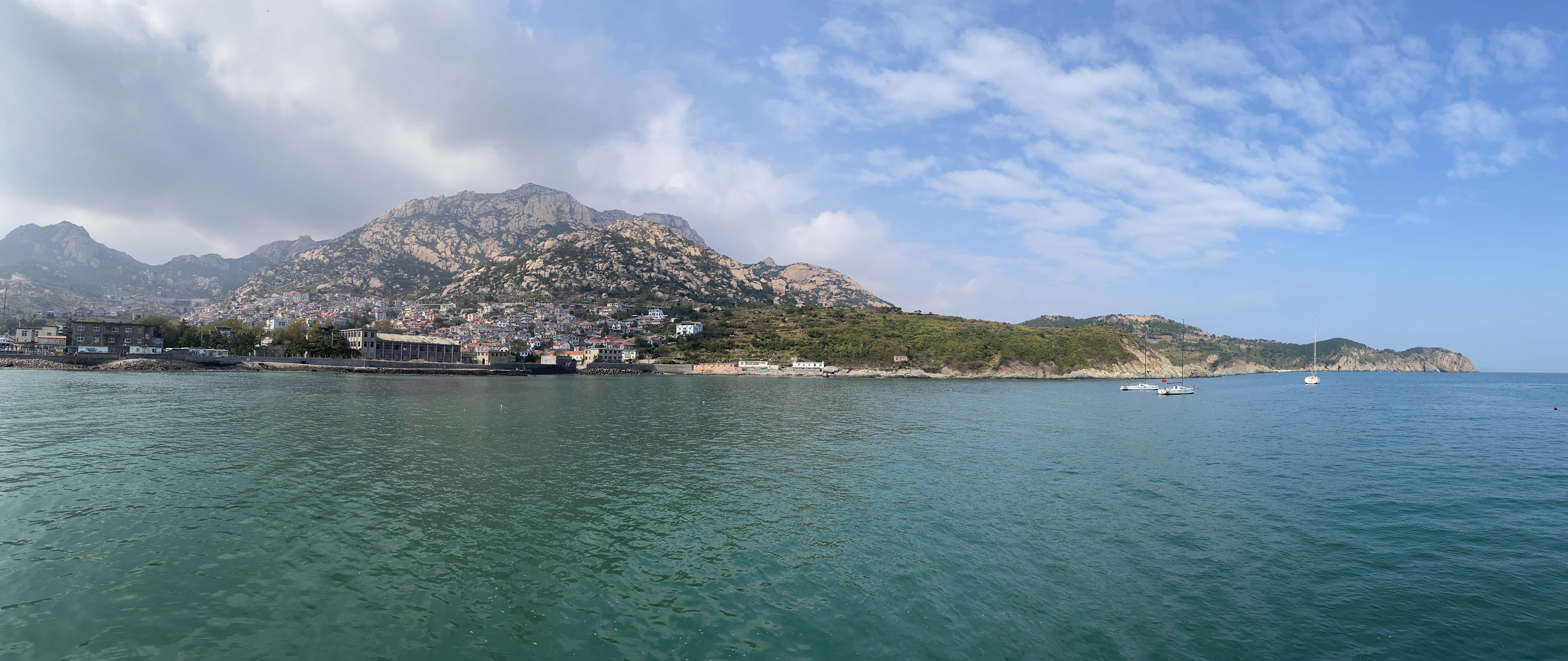
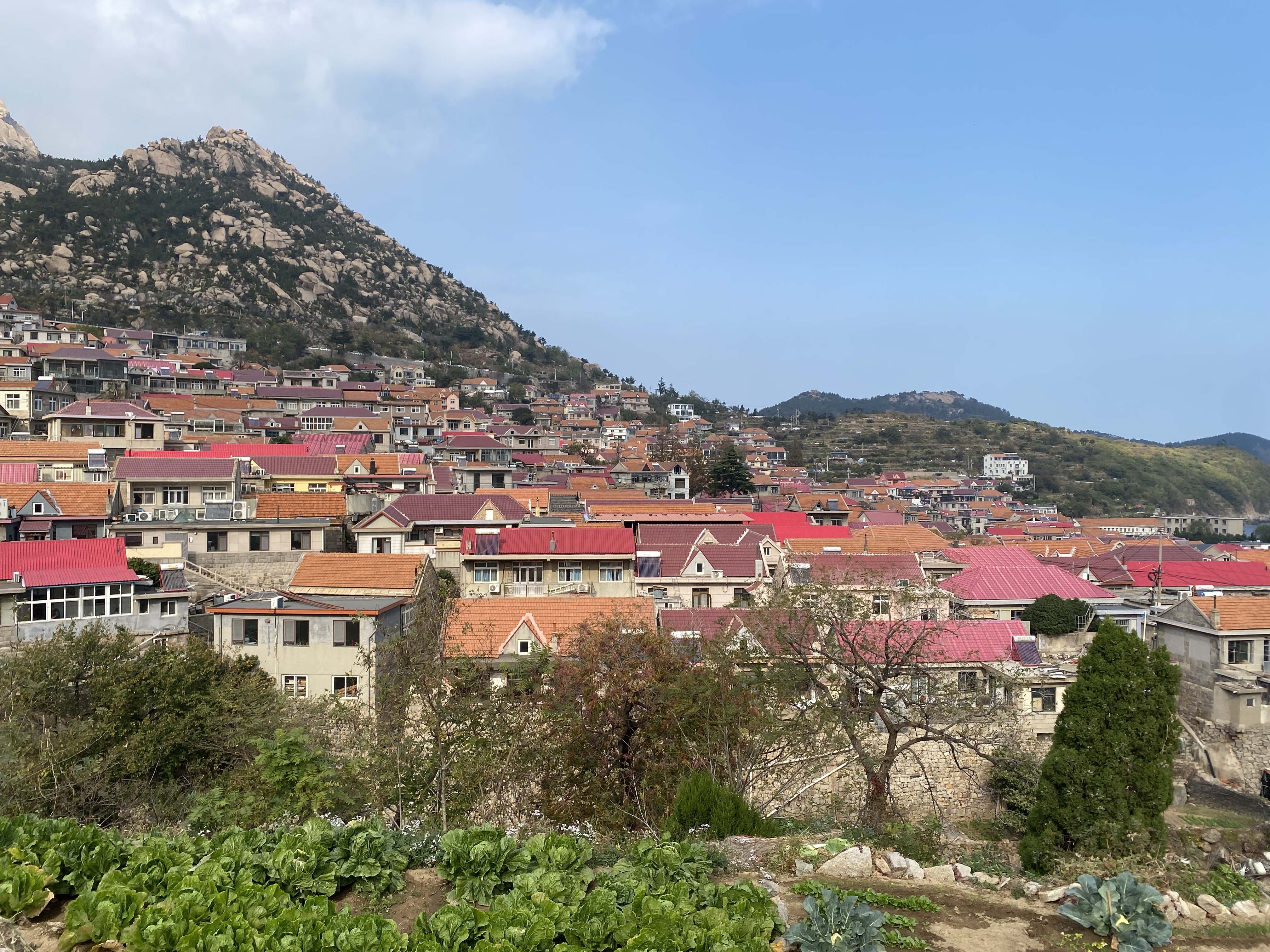
青山渔村

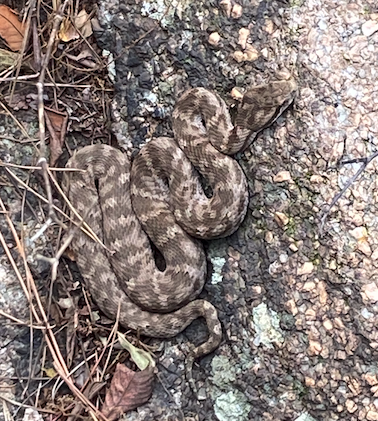
野路遇蝮蛇

ffmpeg

ffmpeg
@MacOS
download FFmpeg binaries
Extract and Move FFmpeg Binary to /Users/test/Local
export PATH=$PATH:/Users/test/Local
# convert video/audio format
# convert mp4 to mkv, and use H.265 video encoder, AAC audio encoder
$ ffmpeg -i input.mp4 -c:v libx265 -c:a aac output.mkv
# cut video/audio
# cut a segment from 10s to 20s and save as mp4
$ ffmpeg -i input.mp4 -ss 10 -t 10 output.mp4
# add filter effects
# add a black/white effect and rotate 90 degree
$ ffmpeg -i input.mp4 -vf hue=s=0,transpose=1 output.mp4
# convert mp4 to gif
$ ffmpeg -i test.mp4 test.gif
# convert gif to mp4
$ ffmpeg -f gif -i test.gif test.mp4
# rotate 90 degree clockwise
$ ffmpeg -i input.mp4 -vf transpose=1 output.mp4
# rotate 90 degree anticlockwise
$ ffmpeg -i test.mp4 -vf “transpose=2” out.mp4

yt-dlp

on MacOS.
# install: $ python3 -m pip install -U yt-dlp
# pgrade: $ pip3 install –upgrade pip
# version: $ yt-dlp —version
# download: $ yt-dlp video_url
# list: $ yt-dlp –list-formats video_url
# defalut download: -f “bv*+ba/b”
# download video/audio: $ yt-dlp -f “398+140” video_url
# output mp4: $ yt-dlp -f “247+251” –merge-output-format mp4
# Download the best video with the best extension
# (For video, mp4 > mov > webm > flv. For audio, m4a > aac > mp3 …)
$ yt-dlp -S “ext”
# Download the best mp4 video available, or the best video if no mp4 available
$ yt-dlp -f “bv*[ext=mp4]+ba[ext=m4a]/b[ext=mp4] / bv*+ba/b”
# Download and merge the best video-only format and the best audio-only format,
# or download the best combined format if video-only format is not available
$ yt-dlp -f “bv+ba/b”
# Download 720P
$ yt-dlp -f “bv[height=720][ext=mp4]+ba[ext=m4a]/b”
# Download 1080P
$ yt-dlp -f “bv[height=1080][ext=mp4]+ba[ext=m4a]/b”
# Download 4K
$ yt-dlp -f “bv[height=2060][ext=mp4]+ba[ext=m4a]/b”
# Download mp3
$ yt-dlp –extract-audio –embed-thumbnail –audio-format mp3
$ yt-dlp –extract-audio –audio-format mp3
# Use proxy
$ yt-dlp –proxy socks5://127.0.0.1:10808

sips – macOS

# Show all information: $ sips -g all /path/image.jpg
# Show some information: $ sips -g pixelWidth -g pixelHeight /path/image.jpg
# Modify size: $ sips -z 1024 1024 /path/image.jpg
# Change format: $ sips -s format jpeg example.HEIC –out example.jpg
# Rotate: $ sips -r 90 example.jpg
# Reverse: $ sips -f horizontal example
# Change resolution: $ sips -s dpiHeight 300 -s dpiWidth 300 example.jpg
# Change all jpg to png in the folder:
for fi in *.jpg; do sips -s format png $fi –out $fi.png; done
# Change all the png file to half the size:

#!/bin/bash
if [ $1 ]
then
   echo Processing file $1;
else
   find . -name “*.png” -print0 | while IFS= read -r -d ” file; do
       echo Processing file “$file”;
       sips -Z $(($(sips -g pixelWidth “$file” | cut -s -d ‘:’ -f 2 | cut -c 2-) / 2)) “$file” –out “$file” &> /dev/null
   done
fi

MPV

~/.config/mpv
mpv.conf
input.conf

## Seek units are in seconds, but note that these are limited by keyframes
RIGHT seek 5 # seek 5 seconds forward
LEFT seek -5 # seek 5 seconds backward
UP seek 60 # seek 1 minute forward
DOWN seek -60 # seek 1 minute backward

Ctrl+r cycle-values “!reverse” video-rotate “no” “90” “180” “270”

Alt+left add video-pan-x 0.1 # move the video right
Alt+right add video-pan-x -0.1 # move the video left
Alt+up add video-pan-y 0.1 # move the video down
Alt+down add video-pan-y -0.1 # move the video up
Alt++ add video-zoom 0.1 # zoom in
Alt+- add video-zoom -0.1 # zoom out

#[ multiply speed 1/1.1 # decrease the playback speed
#] multiply speed 1.1 # increase the playback speed
#{ multiply speed 0.5 # halve the playback speed
#} multiply speed 2.0 # double the playback speed

#z add sub-delay -0.1 # shift subtitles 100 ms earlier
#Z add sub-delay +0.1 # delay subtitles by 100 ms
#x add sub-delay +0.1 # delay subtitles by 100 ms
#ctrl++ add audio-delay 0.100 # change audio/video sync by delaying the audio
#ctrl+- add audio-delay -0.100 # change audio/video sync by shifting the audio earlier
#Shift+g add sub-scale +0.1 # increase the subtitle font size
#Shift+f add sub-scale -0.1 # decrease the subtitle font size
9 add volume -2
#/ add volume -2
0 add volume 2
#* add volume 2
#m cycle mute # toggle mute
1 add contrast -1
2 add contrast 1
3 add brightness -1
4 add brightness 1
5 add gamma -1
6 add gamma 1
7 add saturation -1
8 add saturation 1
#Alt+0 set current-window-scale 0.5 # halve the window size
#Alt+1 set current-window-scale 1.0 # reset the window size
#Alt+2 set current-window-scale 2.0 # double the window size
#d cycle deinterlace # toggle the deinterlacing filter
#r add sub-pos -1 # move subtitles up
#R add sub-pos +1 # move subtitles down
#t add sub-pos +1 # move subtitles down
#v cycle sub-visibility # hide or show the subtitles

#s screenshot # take a screenshot of the video in its original resolution with subtitles
#S screenshot video # take a screenshot of the video in its original resolution without subtitles
#Ctrl+s screenshot window # take a screenshot of the window with OSD and subtitles
#Alt+s screenshot each-frame # automatically screenshot every frame; issue this command again to stop

#VOLUME_UP add volume 2
#VOLUME_DOWN add volume -2

のぞみ-運命(9)

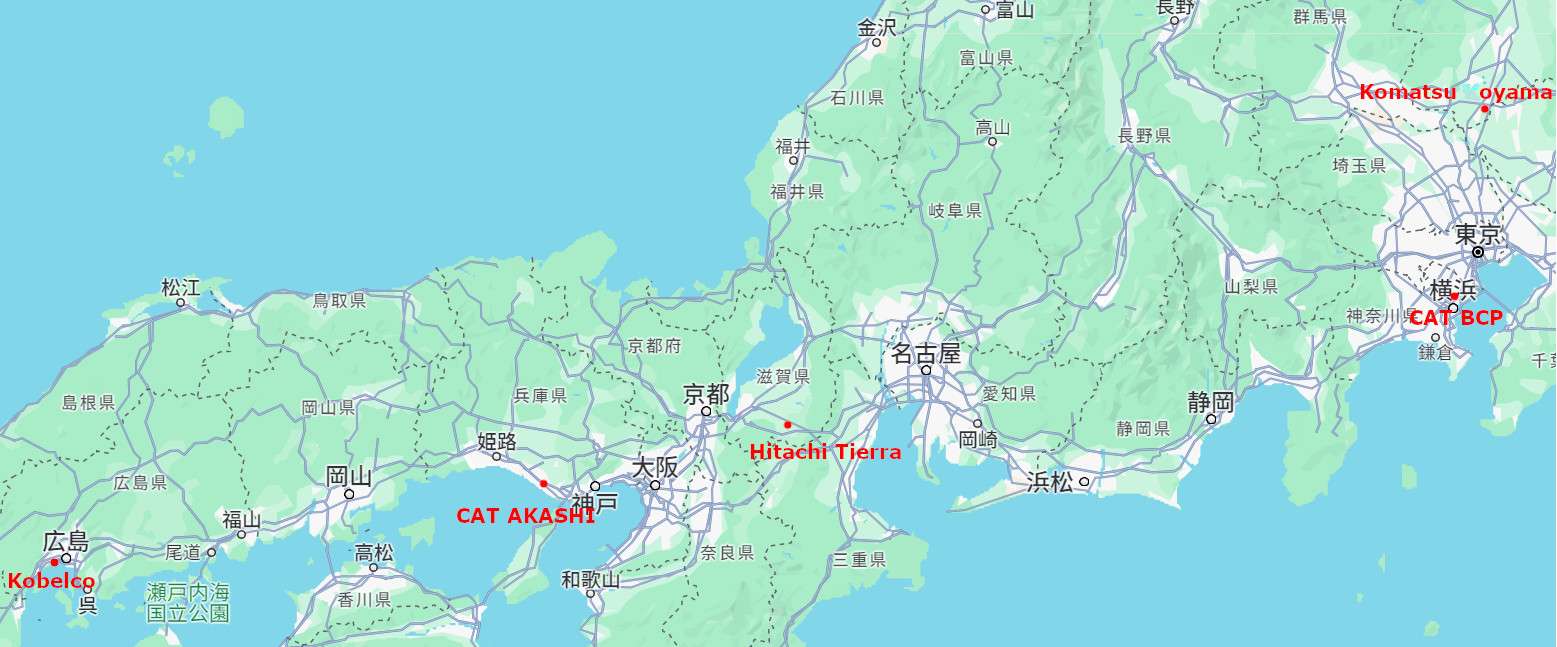
20240613、西明石,飛行機、バス、電車
20240614、西明石,午後CAT-EXD,夕食ー明石駅 昼網和膳 穂の花
20240615、梅田,朝西明石駅近くの太平洋を見に行った,釣人が多い,午後心斎橋へ見に行った,夕食ーお好み焼き
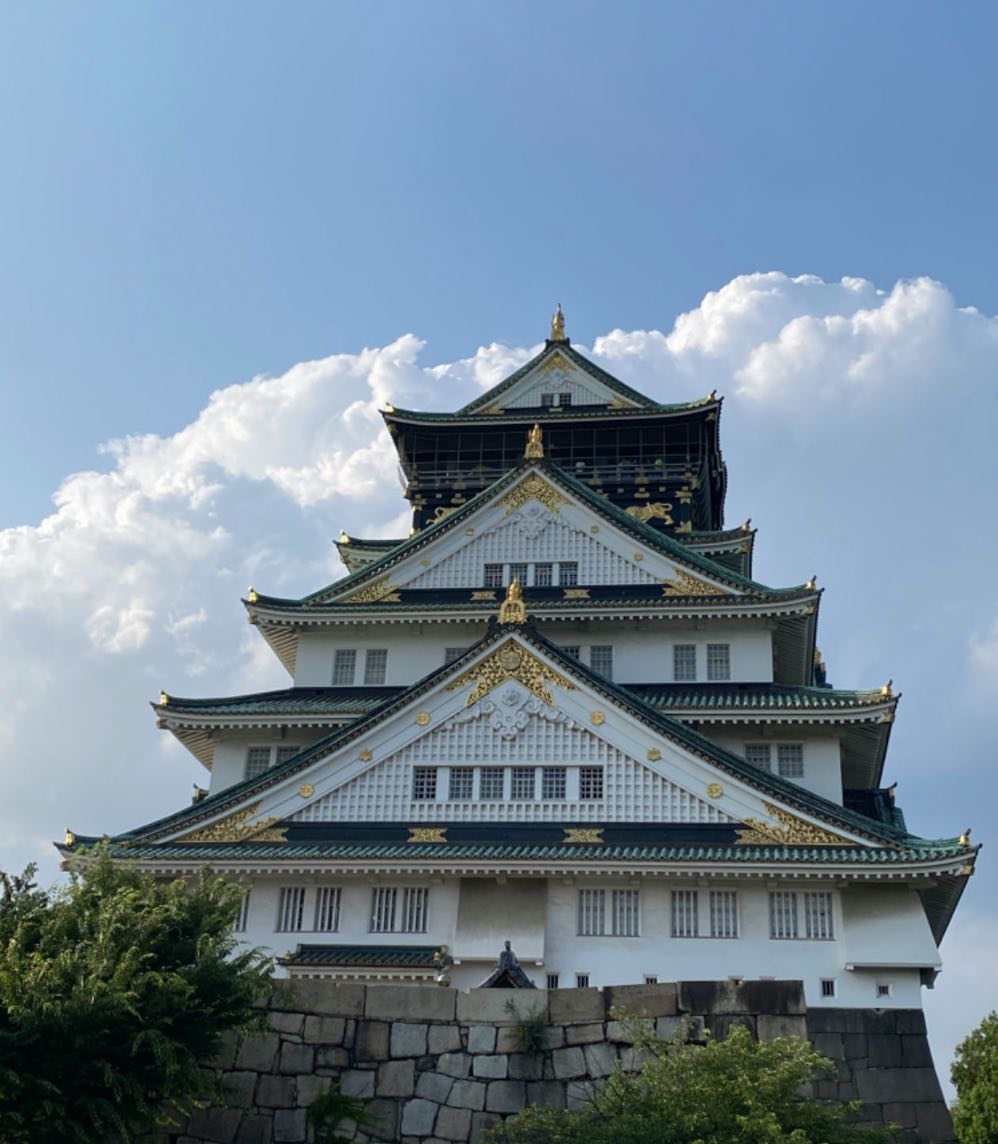
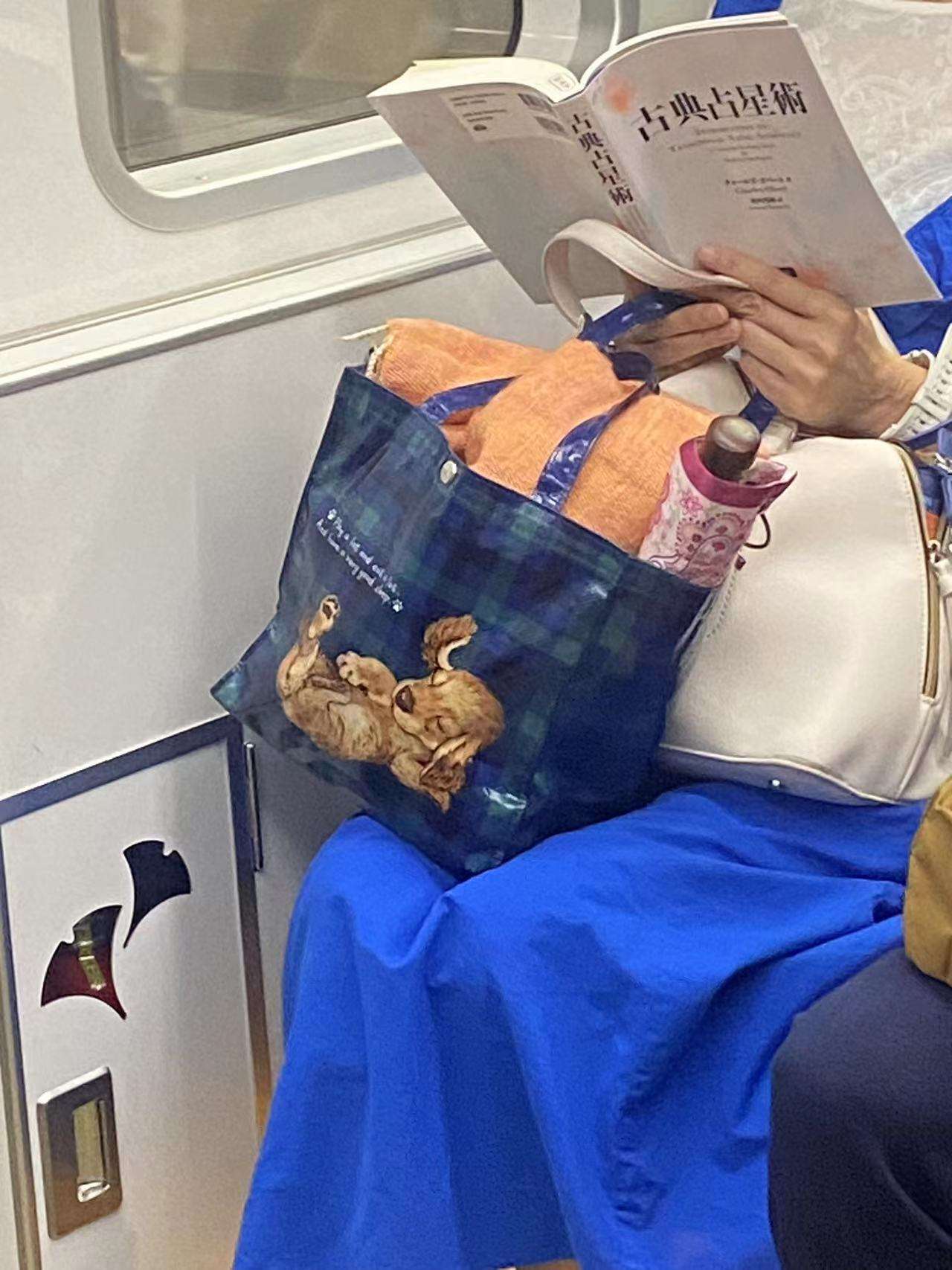
20240616、梅田,朝の電車でおばあちゃんが「古典占星術」を読んでいた,午前心斎橋,午後大阪城
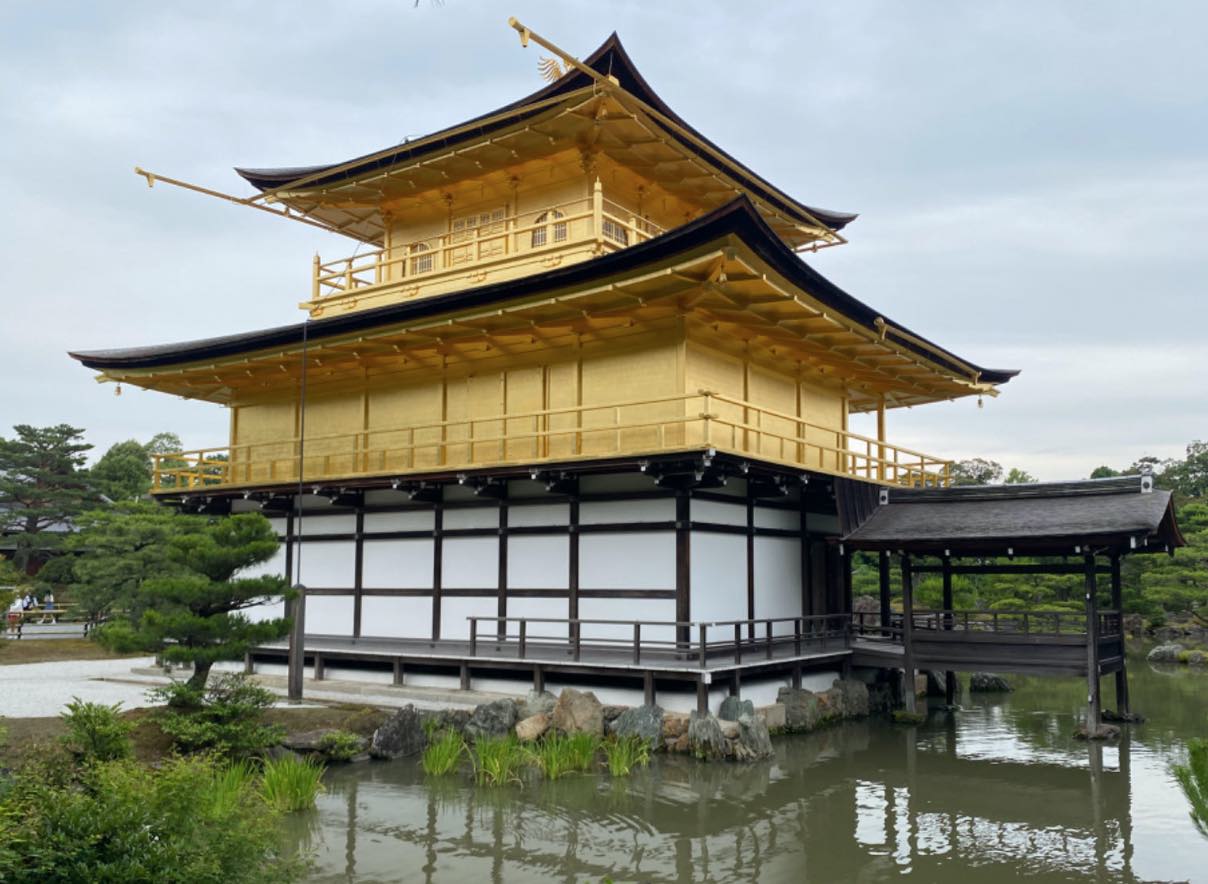
20240617、梅田,午前三雲駅ー日立建機ティエラ,午後金閣寺
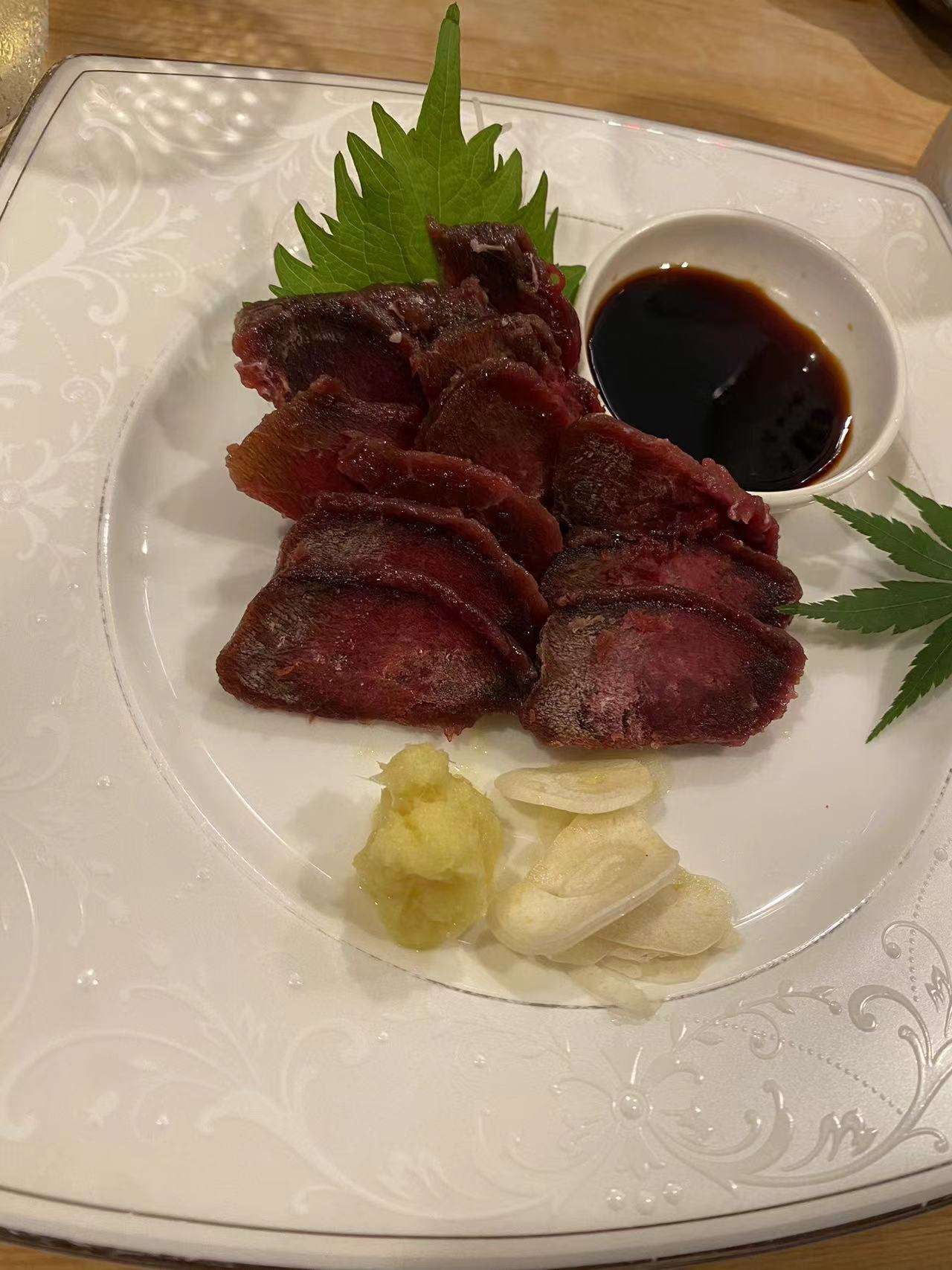
20240618、関内,午前新幹線,午後CAT-BCP,夕食ー空海本店,はじめて鯨刺しを食べた
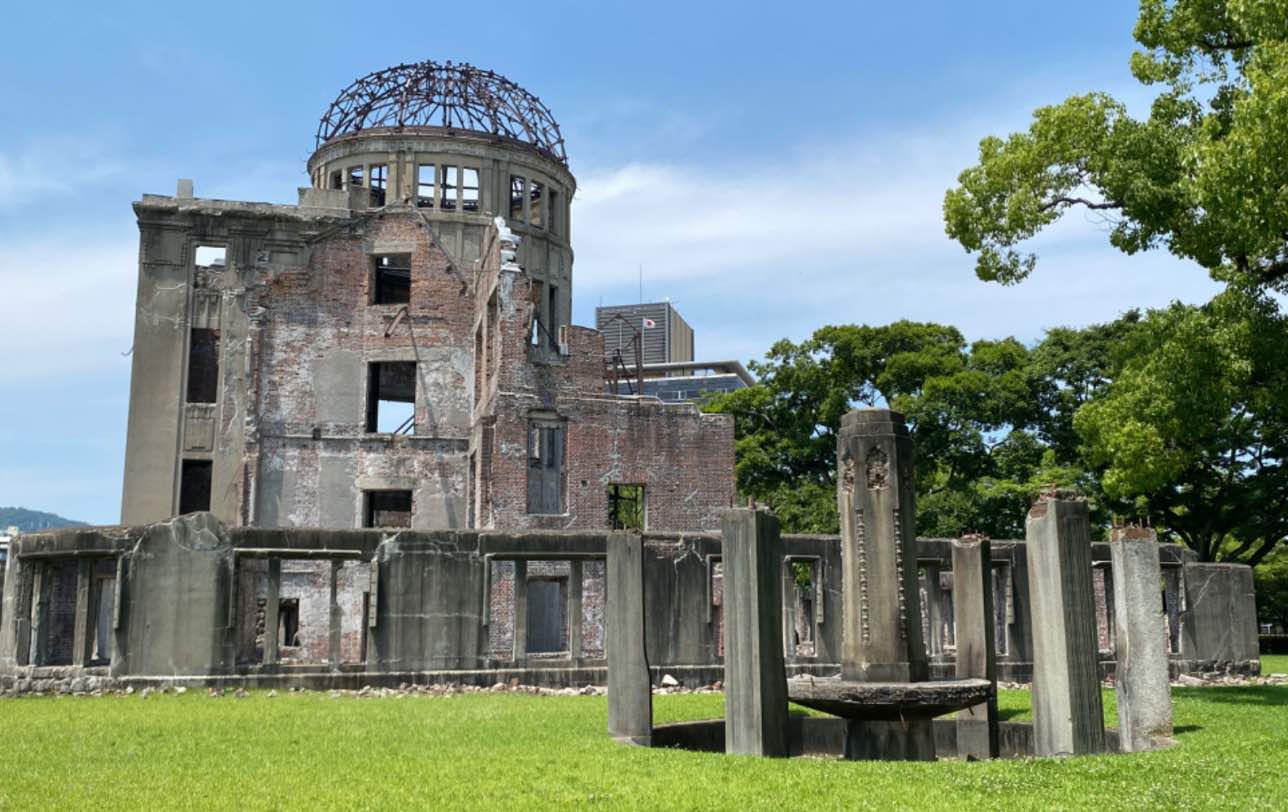
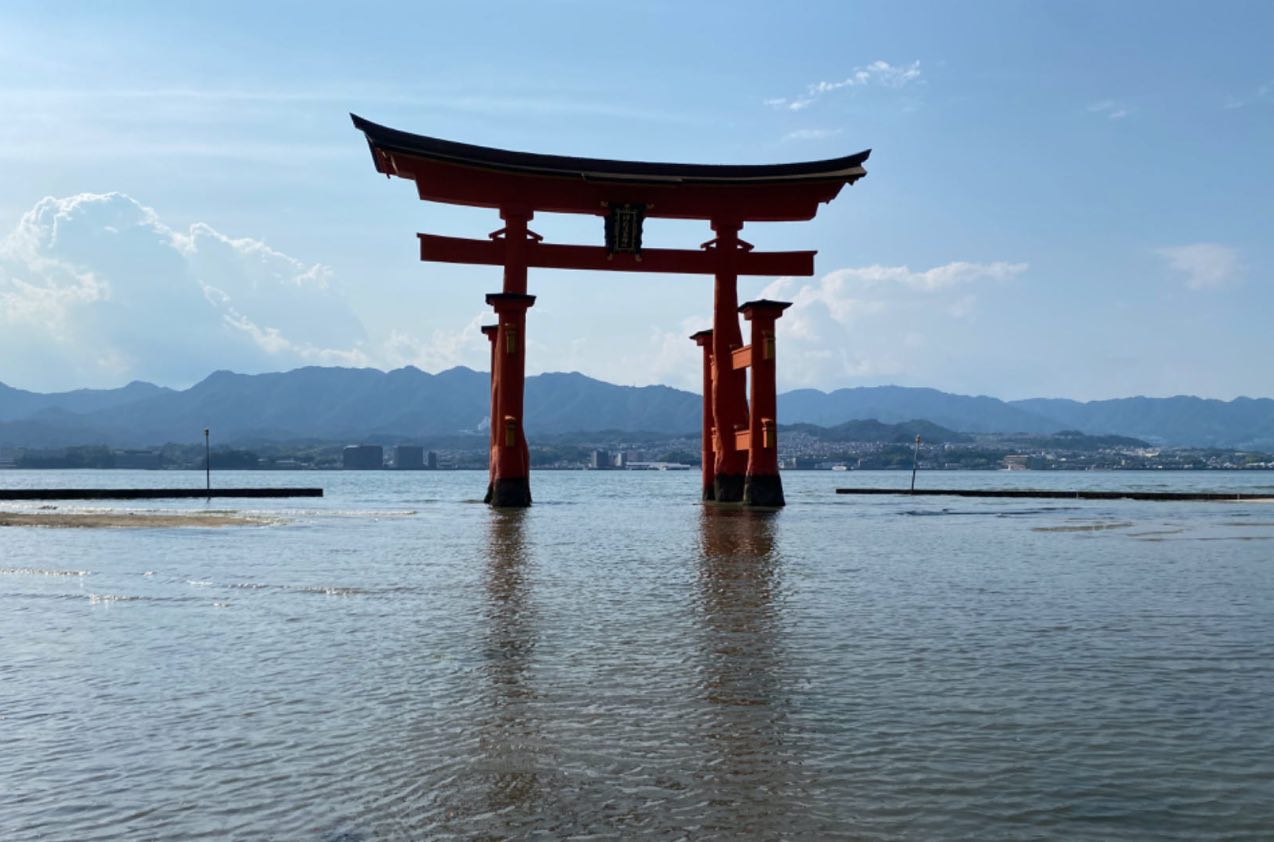
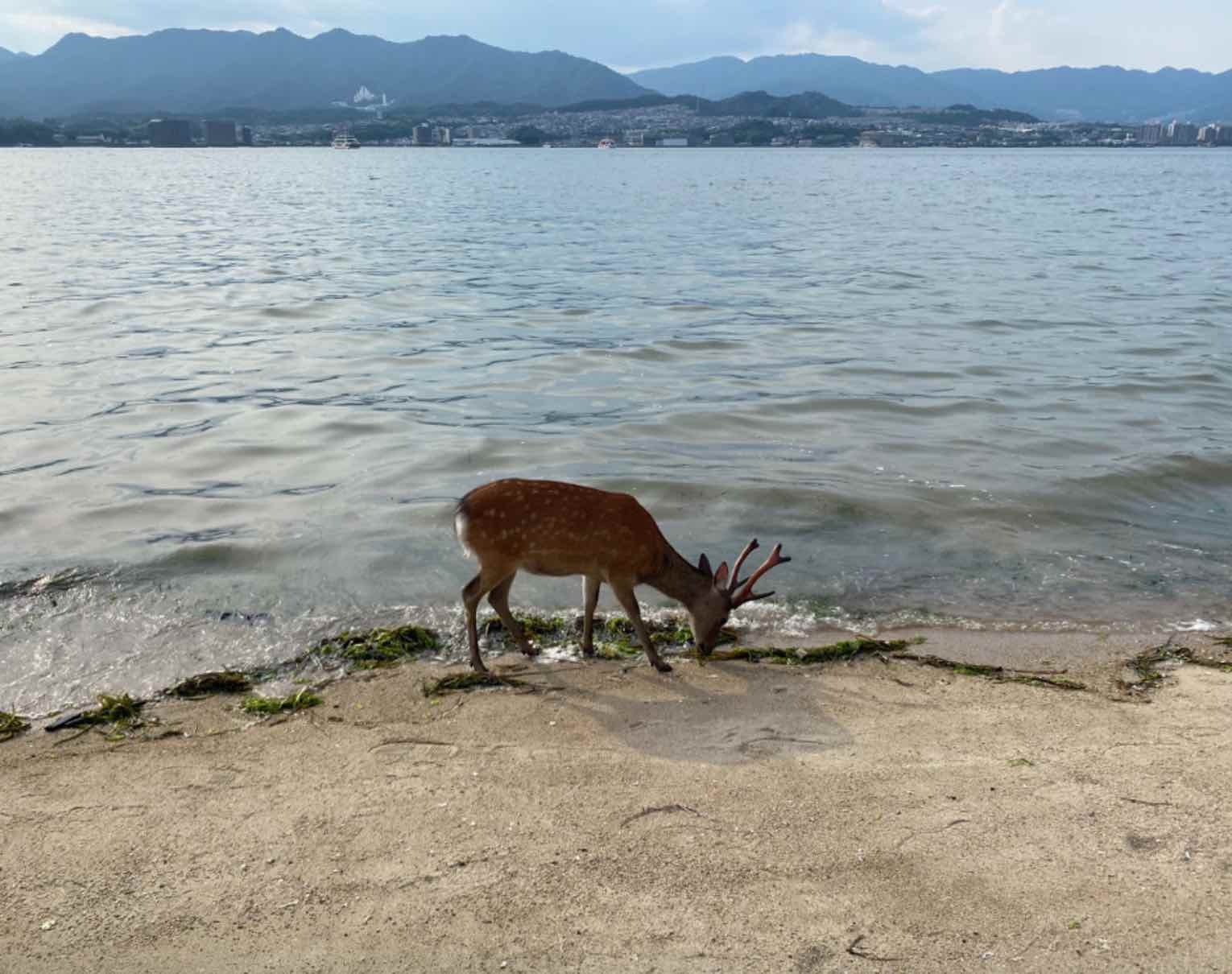
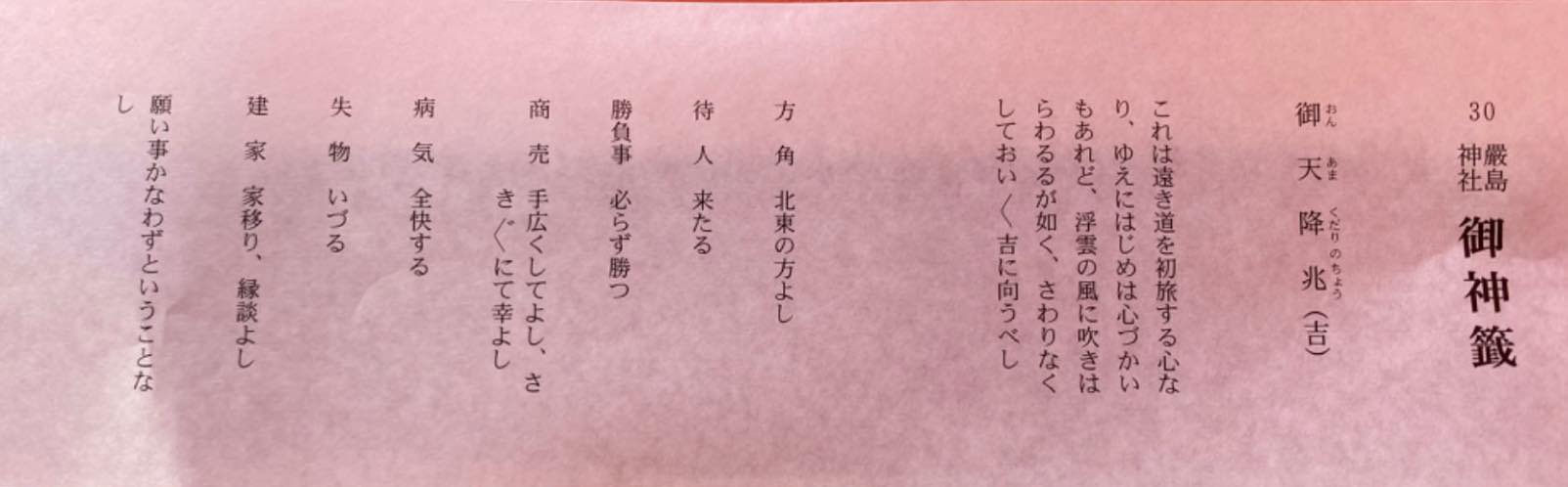
20240619、広島,午前新幹線,午後平和公園,宮島,鹿は海藻を食べていた,御神籤は「吉」,夕食ー食辛房
20240620、西川口,午前コベルコ,午後コベルコ,夜新幹線
20240621、梅田,午前小山駅ーコマツ栃木工場,午後新幹線
20240622、帰り
疲れた、等価交換の原則。

信任之难

keep updating
又双叒叕换人了,人间最难的信任。老板看不上儿子,老板不信任CEO,奈何还是老了。
进入公司以来青岛主要人事变动:
2018.11-2021.06, 无总经理,运营经理-李,生产经理-郭,质量经理-丁-袁
2021.07-2022.07, 总经理–申(康明斯), 运营经理-欧,质量经理-解
2022.08-2023.07, 总经理–程(哈工大少年班三一), 运营经理-欧,质量经理-赵-赵
2023.07-2024.01, 总裁助理兼青岛总经理–姚, 运营经理-欧,质量经理-孙
2024.02-2024.05, CEO兼青岛总经理–赵(南京**), 运营经理-孙,生产经理-王,质量经理-付
2024.06-2025.07, CEO兼青岛总经理(王),运营经理-孙,生产经理-邹,质量经理-刘-刘-颜-李
2025.07-, CEO兼青岛总经理(王),副总经理-孙,生产经理-无,质量经理-李,计划经理-李
质量经理: 丁->袁->解->赵(女)->赵(男)->孙->付->刘->刘->颜->李
生产经理:郭->欧->邹->
维修主管:刘->赵->王
财务负责人: 高->王->崔->房->丁
集团CEO变动:老板同学王*->牛**(普渡大学,康明斯)->赵*->老板认识多年的朋友王**(一汽富维)

看样老板要交给儿子了,给儿子找了两个导师,一个一汽富维,一个天纳克,号称退休前年薪千万的,希望公司有所改观。
希望跟小松,神钢,日立的项目能开展起来,弄个APEC卡,方便出去玩。